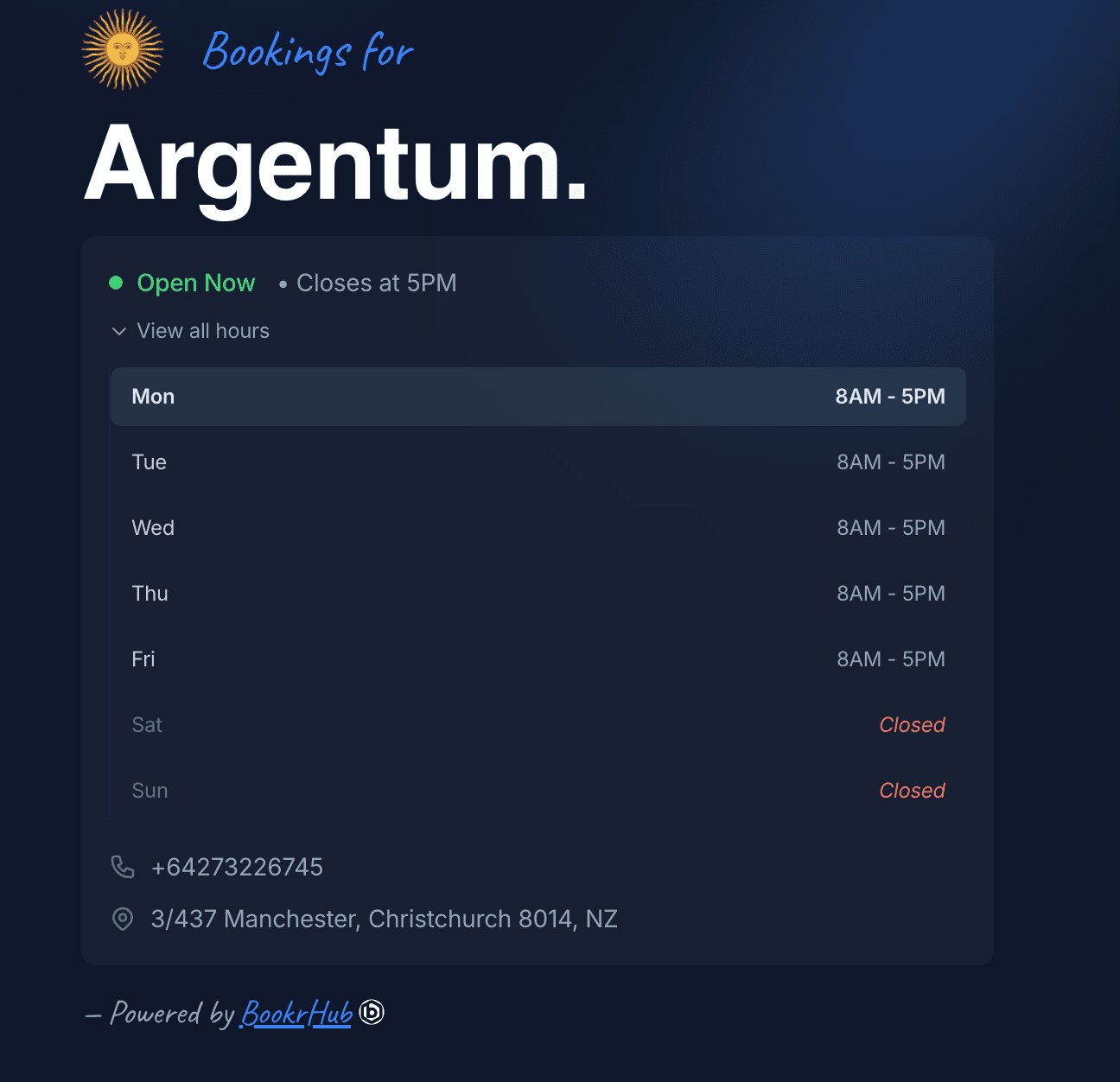
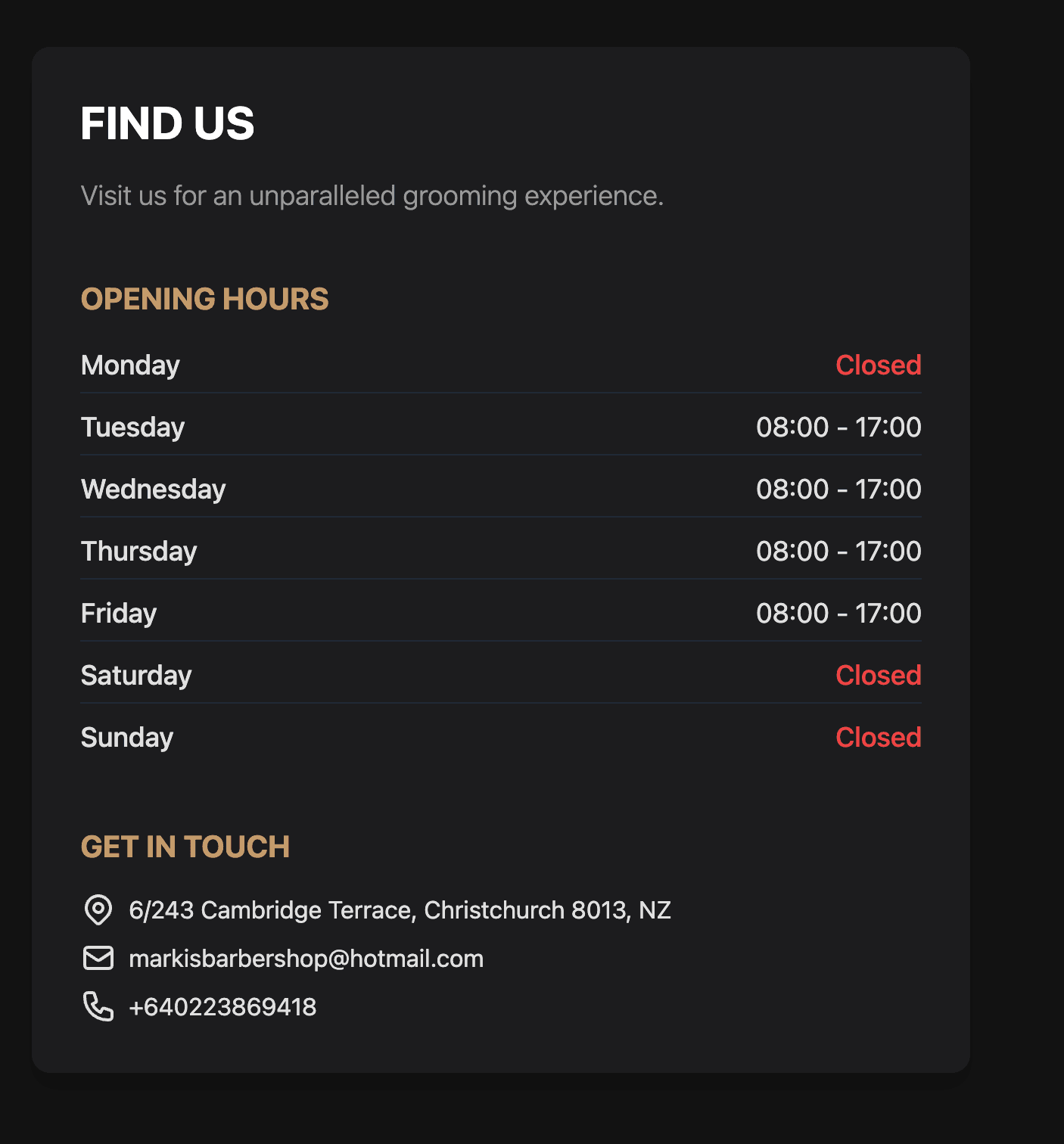
We're excited to introduce split opening hours for BookrHub. Now you can configure multiple time blocks per day to match your real operating schedule.
Why Split Shifts?
Many salons, barbershops, and beauty studios have non-continuous operating hours:
- Lunch breaks or rest periods
- Morning and evening sessions
- Different hours on different days
With split shifts, you can set exactly when you're open and when you're closed throughout the day.
Features
- Multiple time blocks per day — Set as many opening windows as you need
- Visual schedule display — Clients see your complete availability at a glance
- Automatic conflict detection — Prevents overlapping schedules
- Day-specific configuration — Different hours for weekdays vs weekends
Use Cases
- Salon with lunch break: 9AM-1PM and 3PM-8PM
- Barbershop with morning/evening sessions: 8AM-12PM and 4PM-9PM
- Studio with mid-day closure: 10AM-2PM and 5PM-10PM
Getting Started
Go to Settings > Company Hours and click "Add Shift" to create multiple time blocks for any day. Clients booking online will only see available time slots within your configured hours.